










Revolutionize Your Workflow in Seconds
Stop wasting hours trying to guide AI. Turn Claude 3.5 Sonnet into a world-class software engineer instantly. Whether you’re building complex Fintech dashboards, interactive SaaS tools, high-fidelity games, or data visualizations—the Elite Artifact Architect is the only prompt engineering vault you will ever need.
What is the “Elite Artifact Architect”?
This isn’t just a list of text. It is a comprehensive Empire-Building System optimized for AI logic flow.
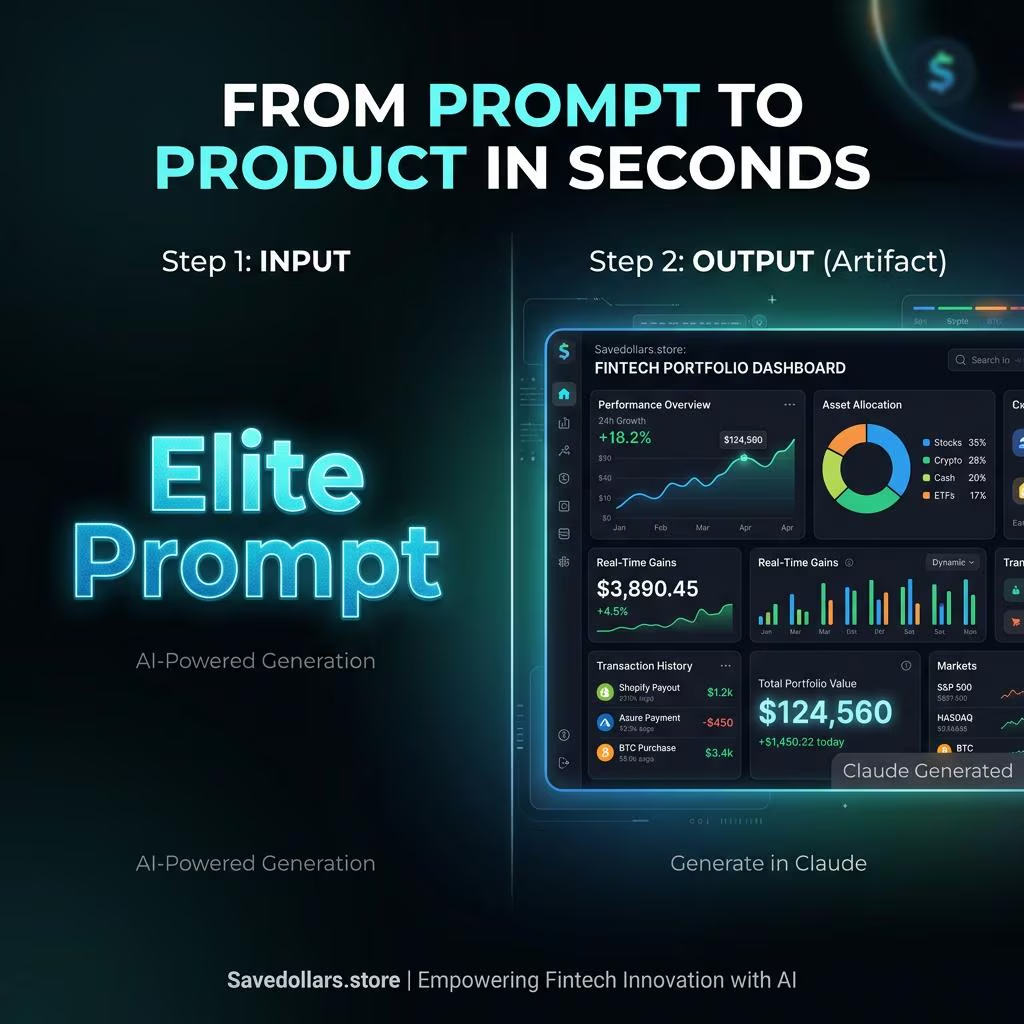
We provide the exact, professional-grade prompt strings required to trigger Claude’s most advanced “Artifacts” feature—generating full-scale, functional React and Tailwind applications with one click. Master UI/UX design without writing a single line of code.
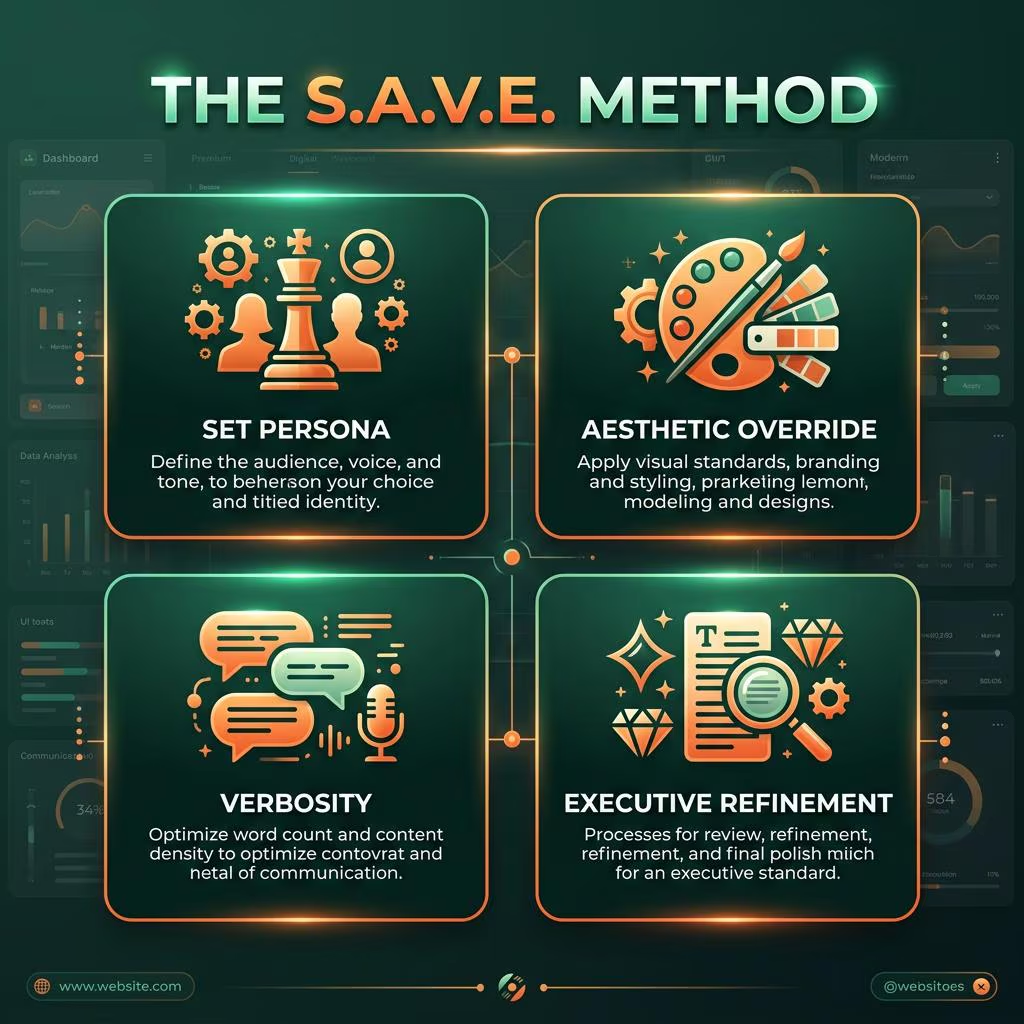
Interactive Searchable Dashboard
No more scrolling through endless, disorganized PDFs. You get access to a custom, branded HTML application.
Search by industry, filter by module, and click a button to instantly copy the prompt directly to your clipboard. Engineered for speed and massive scale.

📦 What You Get in the Bundle
Everything required to launch high-ticket digital products and SaaS tools overnight.
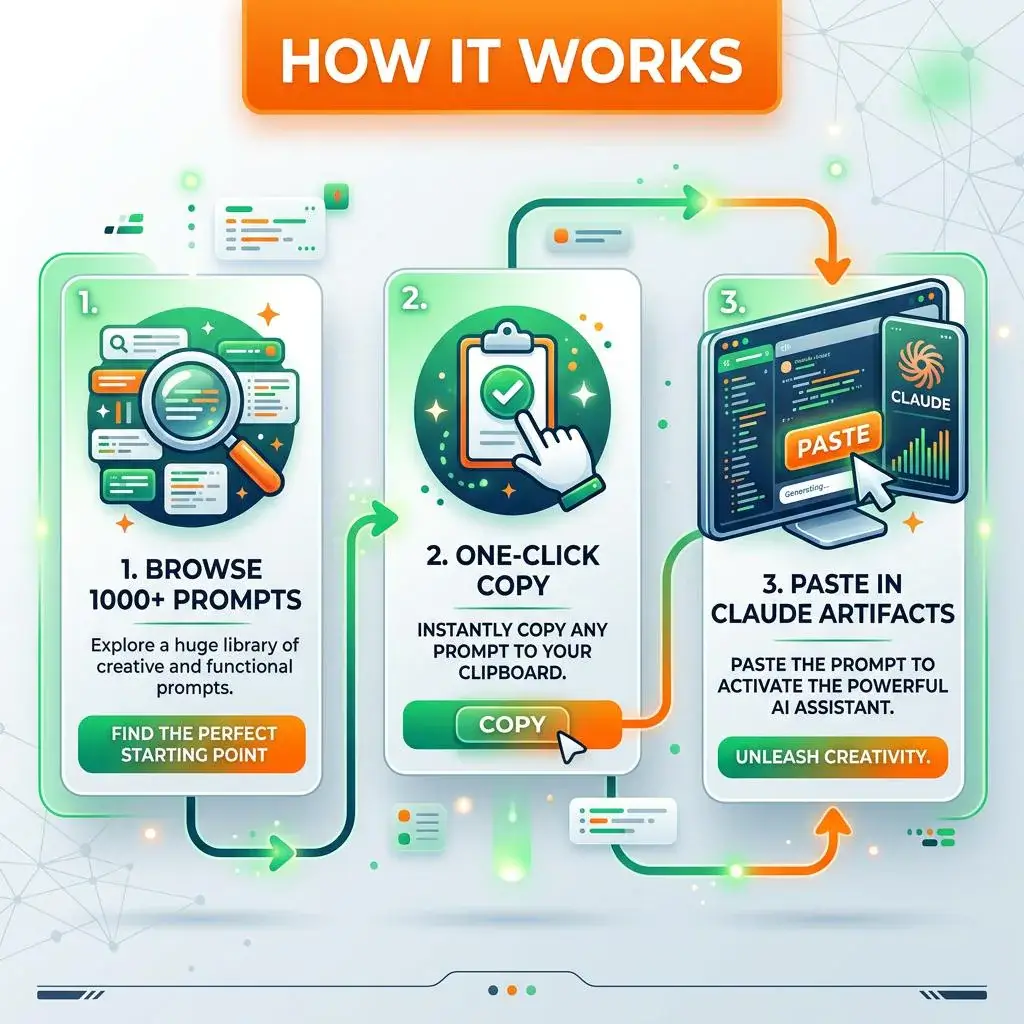
1,001+ Master Claude Prompts
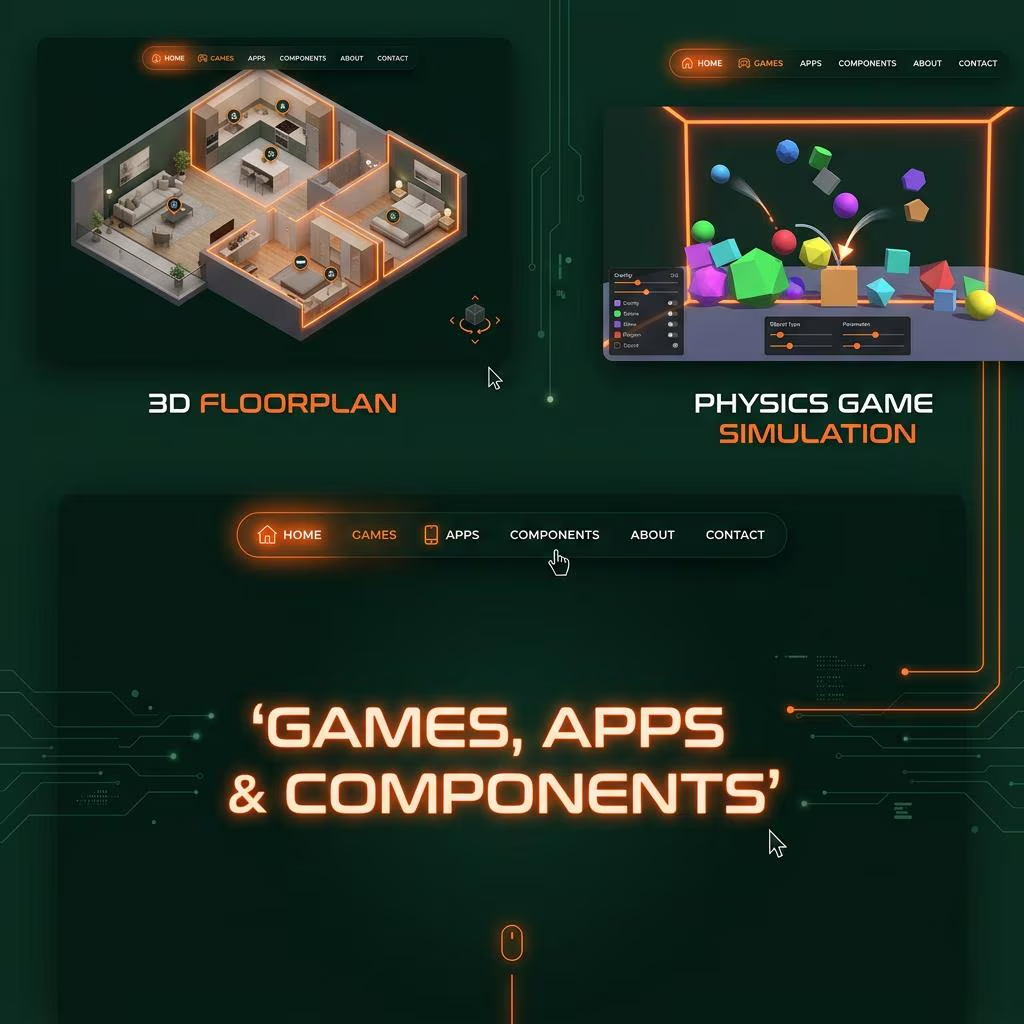
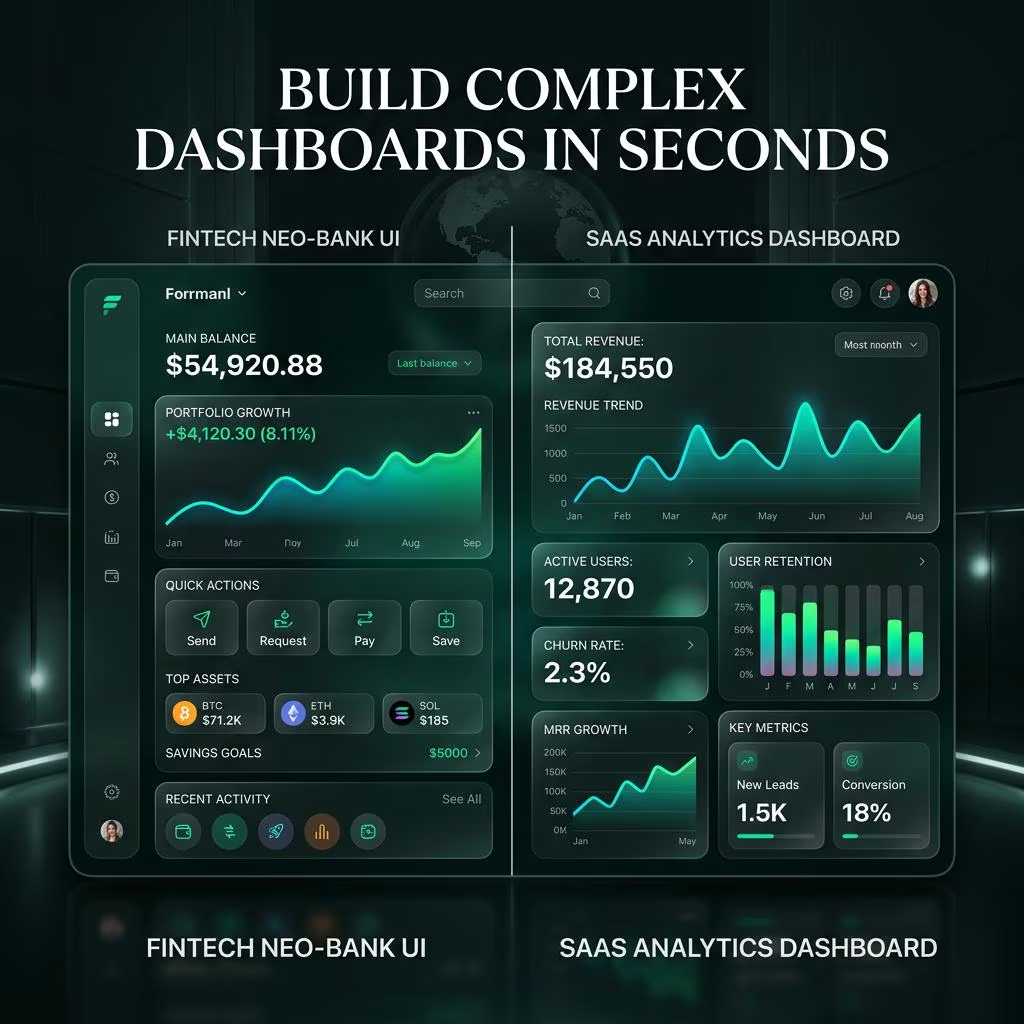
The largest, most diverse database on the market. From Neo-bank dashboards to Physics engine simulators, we’ve covered every high-value niche.
Premium Print-Ready Guides
Need to go offline? Get the beautiful, branded eBook guide and the full 1,001-prompt ledger in high-resolution PDF format.
Professional Spreadsheet
Full CSV access for Excel/Google Sheets power users. Sort, filter, and integrate into your own automations easily.
🌐 20+ Industries Included
Prompts engineered to generate highly-specific software solutions.
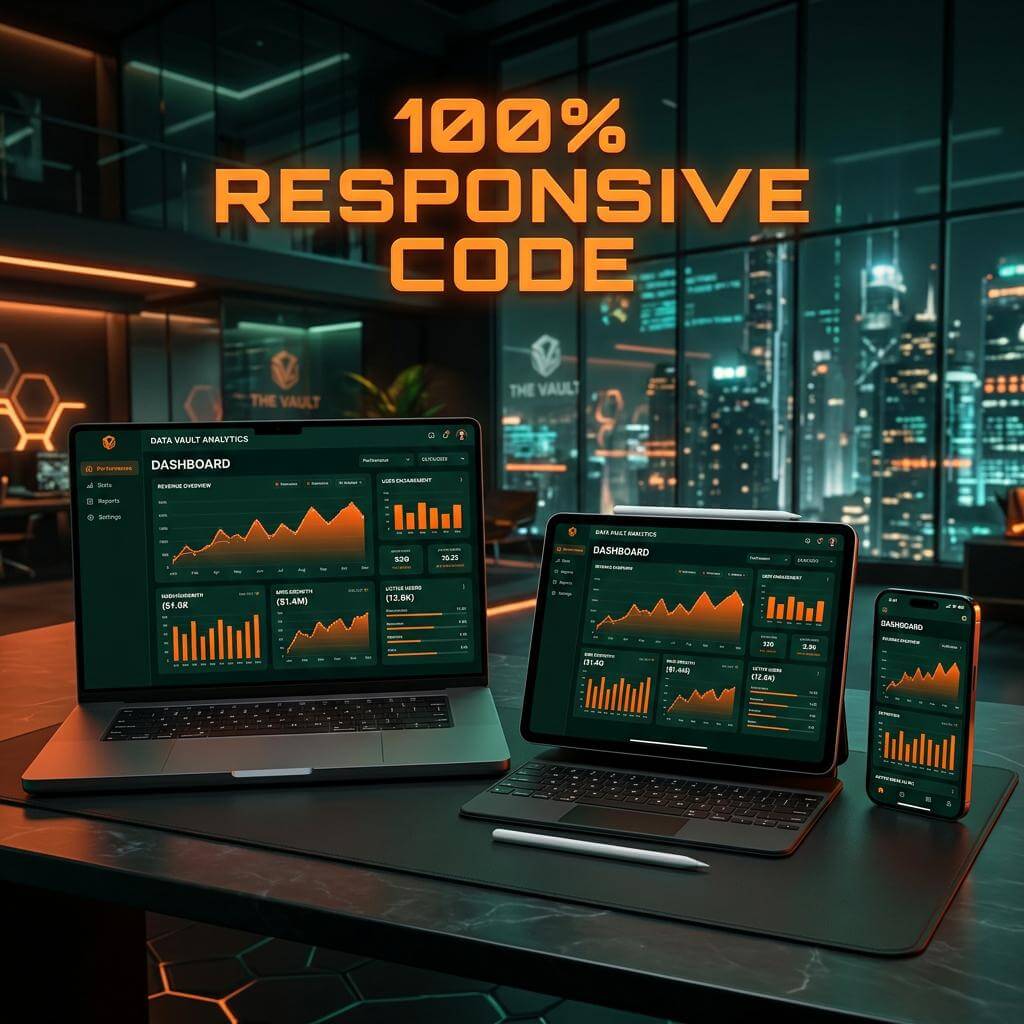
🖼️ Inside the Elite Vault
Take a closer look at the premium quality assets included in your download.


Frequently Asked Questions
Who is this Claude Prompt Vault designed for?
This database is perfect for Entrepreneurs launching digital products, SaaS Developers rapidly prototyping UI/UX, Content Creators building interactive web tools, and AI Hustlers looking to master Claude 3.5 Sonnet’s coding capabilities.
How do I use the Interactive Dashboard?
Simply open the included HTML dashboard file in your browser, search for your target industry (e.g. “Fintech” or “Healthcare”), find the specific application component you need, and click “Copy Prompt”. Then paste it into Claude to generate the React and Tailwind code instantly.