 By Savedollars Team
 The Problem with Cloud-Tethered AI Coding
In 2026, Integrated Development Environments have fundamentally evolved from simple syntax highlighters into autonomous code orchestration engines. However, the standard developer setup remains shackled to remote cloud APIs. Developers routinely spend $20 to $100+ each month on token overages and subscription tiers, while broadcasting proprietary intellectual property across external corporate servers.
Furthermore, cloud rate limits, peak-hour latency spikes, and unpredictable API deprecations disrupt deep-work engineering flows. The solution emerging among elite senior engineers is the Zero-Cloud Local LLM Architecture: pairing Cursor’s high-speed contextual IDE with locally hosted Small Language Models (SLMs).
The 2026 Local Model Breakthrough
Running models locally was historically dismissed as impractical for professional coding. That paradigm collapsed with the release of hyper-efficient reasoning weights such as DeepSeek-R1 (quantized to 8-bit and 4-bit GGUF formats) and Qwen 2.5 Coder. On modern Apple Silicon chips (M2/M3/M4 with unified memory) or standard NVIDIA RTX desktop rigs (12GB–16GB VRAM), quantized 14B and 32B coding models achieve generation speeds exceeding 45 tokens per second.
This provides instant sub-second completions without sending a single byte over the public internet. To tap into pre-tested prompts specifically formatted for reasoning SLMs, developers rely on the DeepSeek AI Prompts OS, which provides structured prompt trees for local architectures.
Step-by-Step Architecture: Connecting Cursor to Ollama
Cursor natively supports custom OpenAI-compatible API endpoints. By running Ollama as a background daemon, developers create a local OpenAI proxy that Cursor treats exactly like a remote GPT-4o or Claude 3.5 instance.
1. Launching Ollama with an OpenAI-Compatible Daemon
# Pull the latest high-efficiency coder model
ollama run qwen2.5-coder:14b

# Verify the local REST server is active on port 11434
curl http://localhost:11434/v1/models
2. Configuring Cursor Settings
Inside Cursor Settings (Cursor Settings → Models):
- Override OpenAI Base URL: Set to
http://localhost:11434/v1 - API Key: Enter any dummy string (e.g.
ollama-local) - Model Name: Match the exact tag (e.g.
qwen2.5-coder:14bordeepseek-r1:14b)
The Critical Factor: Enforcing Deterministic .cursorrules
While local models provide unprecedented speed and privacy, their smaller context windows make them susceptible to drifting if unconstrained. The antidote is rigorous system-level constraint engineering using .cursorrules files placed in the project root.
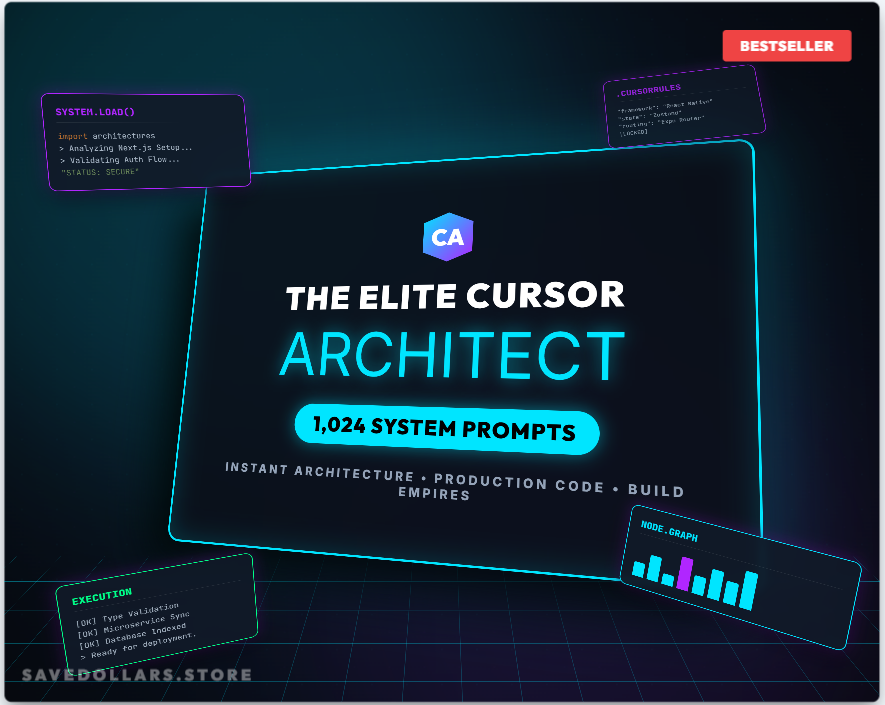
Instead of crafting these instructions manually through trial and error, software architects deploy the Elite Cursor Architect OS. It provides 100+ battle-tested rule definitions that force models into strict type safety, zero hallucination modes, and deterministic function boundaries.
⚡ Verified Architecture
⭐⭐⭐⭐⭐ 100% Offline & Private
Elite Cursor Architect OS | 100 AI Coding Prompts & .cursorrules System
Eliminate AI hallucinations with 100 production-ready Cursor system rules, automated unit-test generators, and air-gapped coding boundary prompts.
Elite Cursor Architect OS | 100 AI Coding Prompts & .cursorrules System
Eliminate AI hallucinations and master local IDE orchestration with 100 production-ready Cursor system rules, automated unit-test generators, and air-gapped coding boundary prompts.
Conclusion: The Sovereign Developer Stack
By transitioning from cloud-dependent completions to an air-gapped Cursor + Ollama pipeline, developers reclaim data sovereignty, eliminate recurring cloud bills, and achieve unmatched execution latency. In 2026, the competitive advantage belongs not to those with the largest cloud budgets, but to those who master localized execution.