
🎃 2026 BESTSELLER • CINEMATIC VIDEO EVITE & CANVA TEMPLATE
Summon Your Guests to the Ultimate Halloween Masquerade with a Hollywood-Grade Moving Video Invitation
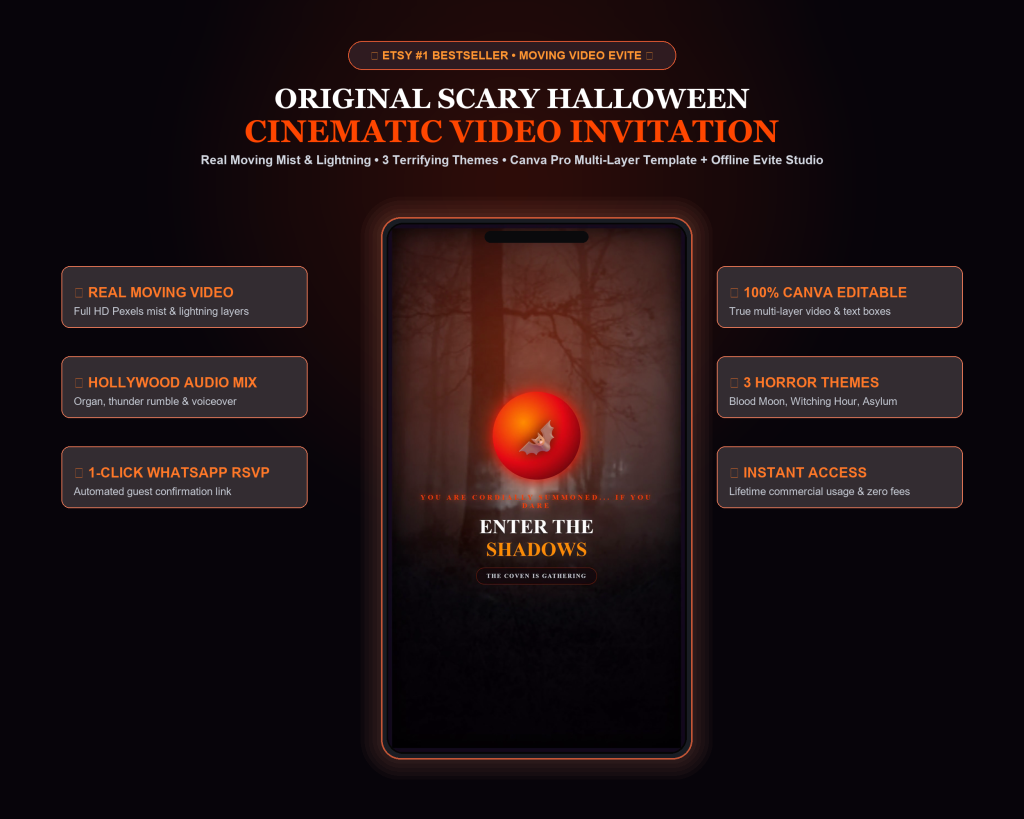
Replace flat, boring paper invites with an unforgettable cinematic experience featuring real moving video mist, thunderstorm lighting, and an automated 1-tap WhatsApp RSVP engine.
✓ Real moving video background with rolling fog and lightning strikes
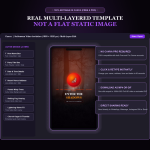
✓ 100% editable in Canva (Free & Pro) with independent text layers
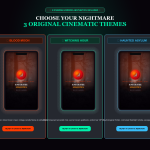
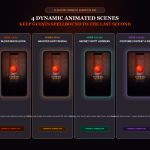
✓ 3 original themes: Blood Moon, Witching Hour & Haunted Asylum
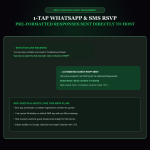
✓ 1-tap WhatsApp RSVP with automated guest confirmations
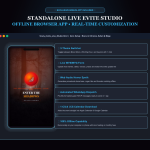
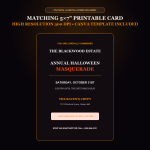
✓ Includes standalone offline Live Evite Studio app & 5×7 printable card
✨ Why You Need This
⚡ Real Moving Video Backgrounds
Cinematic camera drift, rolling Salem mist, thunder lightning strikes, and flickering candlelight sourced from real 4K footage.
⚡ 100% Canva Editable (Free & Pro)
Full HD 1080×1920 multi-layered Canva template with independent text boxes, gothic typography, and zero Canva Pro subscription required.
⚡ 1-Tap WhatsApp & SMS RSVP Engine
Guests tap one button and their phone automatically pre-fills a customized RSVP message with name and guest count sent directly to your phone.
⚡ 3 Terrifying Horror Themes
Switch between Blood Moon (Crimson Manor), Witching Hour (Emerald Fog), and Haunted Asylum (Horror Noir) in 1 click.
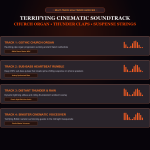
⚡ Multi-Track Cinematic Soundtrack
Hollywood church organ, 45Hz sub-bass heartbeat rumble, distant thunder, and spine-chilling voiceover narrator.
⚡ Interactive Live Studio App Included
Standalone offline web application allowing you to customize and preview your invitation in real time with zero monthly fees.
🎯 How It Works (Simple 3-Step Process)
STEP 1
Open & Select Your Theme
Open the Canva template or launch the included offline Live Studio app in any browser.
STEP 2
Customize in 60 Seconds
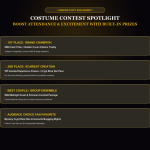
Retype your host estate, date, hours, secret crypt location, and costume contest prize in under 60 seconds.
STEP 3
Dispatch to All Guests
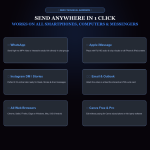
Download your Full HD MP4 or share the live studio link directly to WhatsApp, iMessage, Instagram, or Email.
🛡️
100% Risk-Free Satisfaction Guarantee
Get instant digital access. If you face any issues, our support team will resolve it immediately.
❓ Frequently Asked Questions
Do I need a paid Canva Pro subscription?
No! The Canva template works seamlessly on 100% Free Canva accounts as well as Canva Pro. You do not need to pay anything extra.
Can I edit the text, dates, and location?
Yes! You can instantly click on any text box (Host Name, Party Title, Date, Time, Venue, RSVP phone, Contest Prize) and replace it with your own details in under 60 seconds.
How do I send the invitation to my guests?
The video is formatted in 1080×1920 (9:16 vertical ratio), optimized for WhatsApp, iMessage, Instagram Stories/Reels, TikTok, Facebook, and Email.
Can I use this for client event planning projects?
Yes! You receive an Extended Commercial & Personal License allowing you to customize and render invitations for unlimited personal parties or paying freelance clients.